Festive: the business behind every event
Brand, web and product design for people who work in events.
A brand for the business of celebrations
Festive brings together the tools event suppliers need to organize dates, prepare quotes and track their business. As Product Designer, I worked on all the design, from the identity to the website and product.
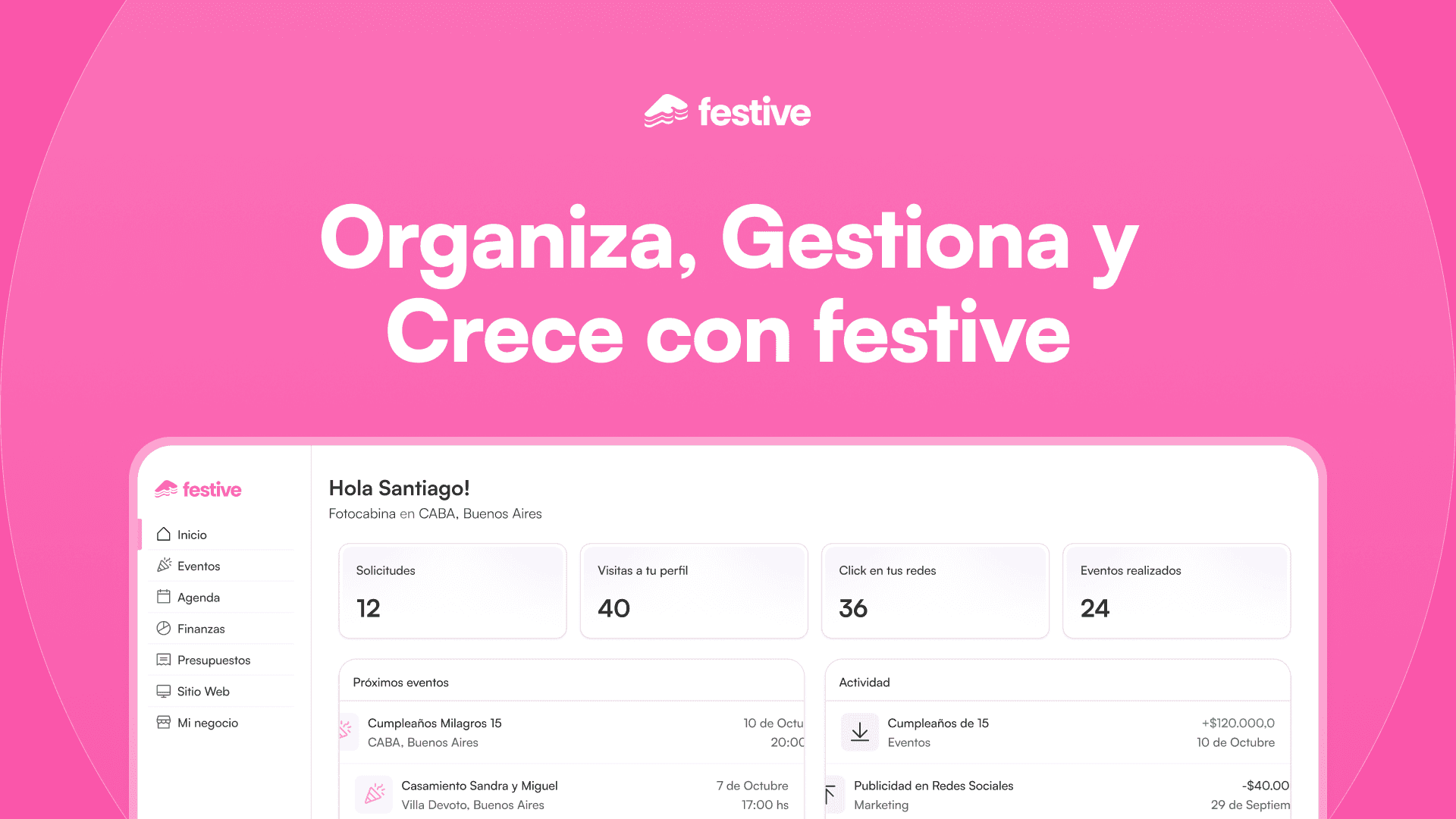
Pink has a visible place in the brand. Inside the dashboard, it appears in the logo, icons and navigation, against a white base that gives the information room.
Knowing what comes next
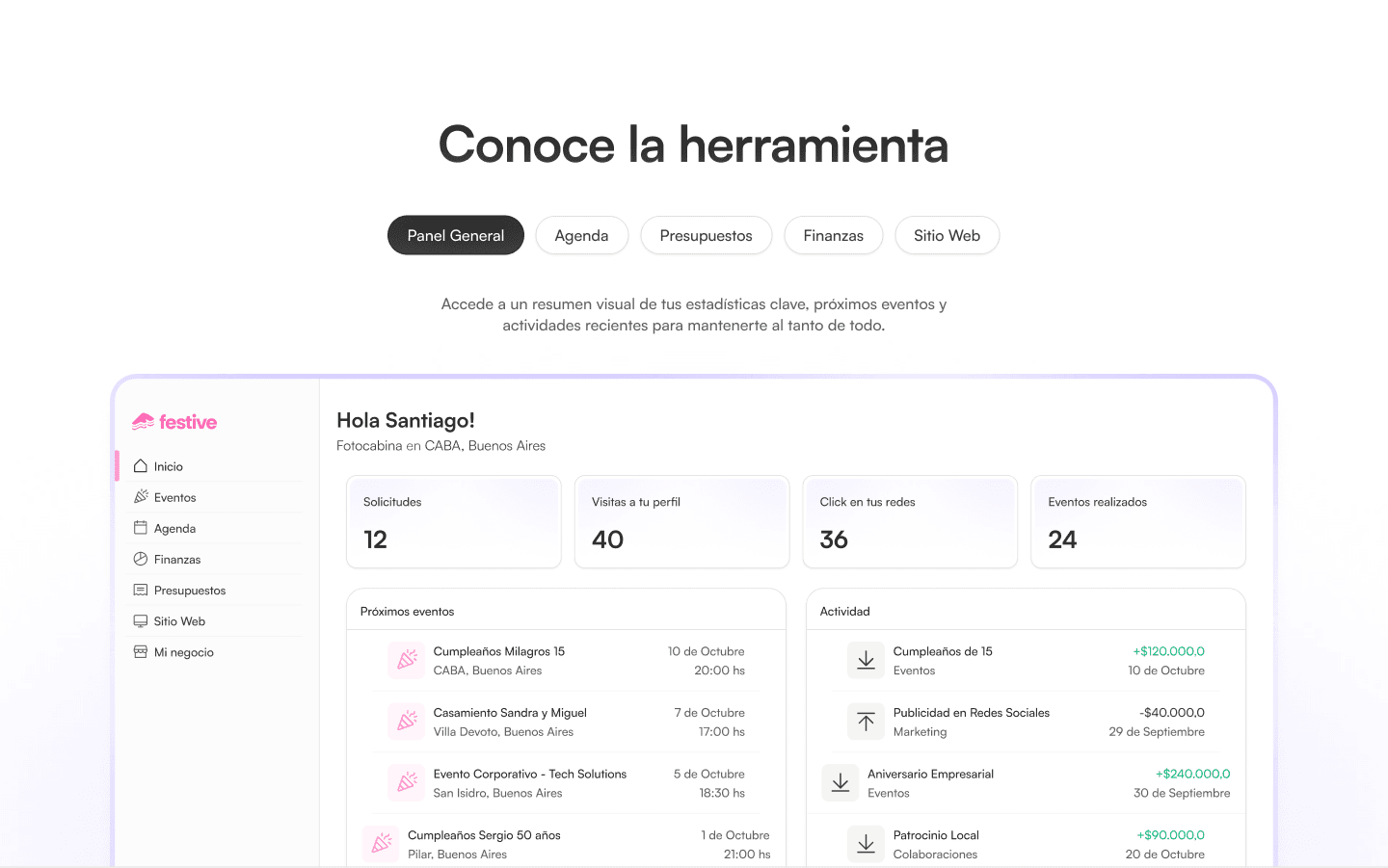
The dashboard opens with a business overview. Upcoming events sit alongside recent activity, so dates and transactions can be checked in the same place.
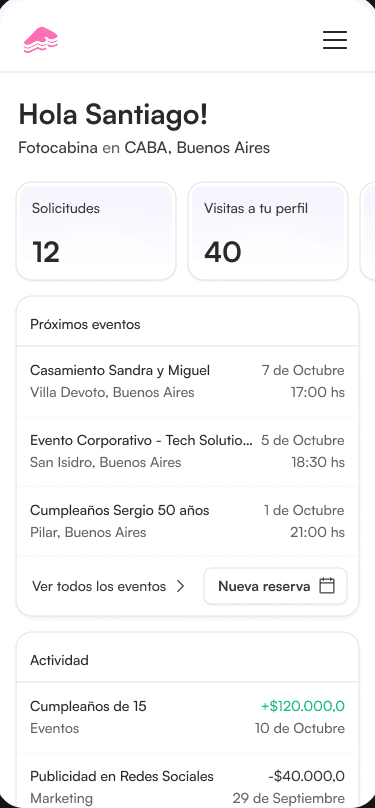
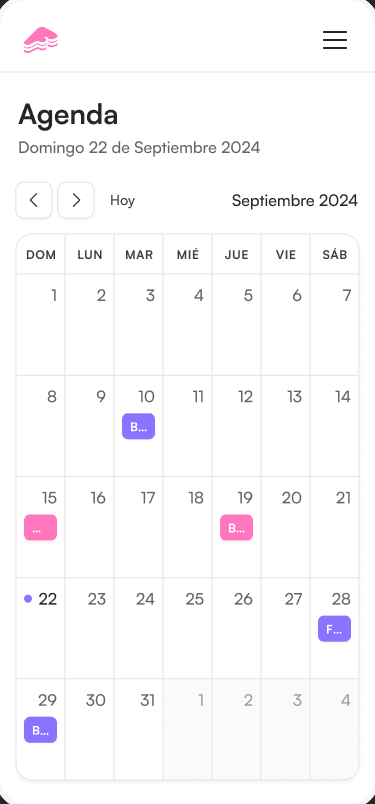
On mobile, that information moves into a single column. Summary cards stay at the top, and the schedule has its own calendar view.
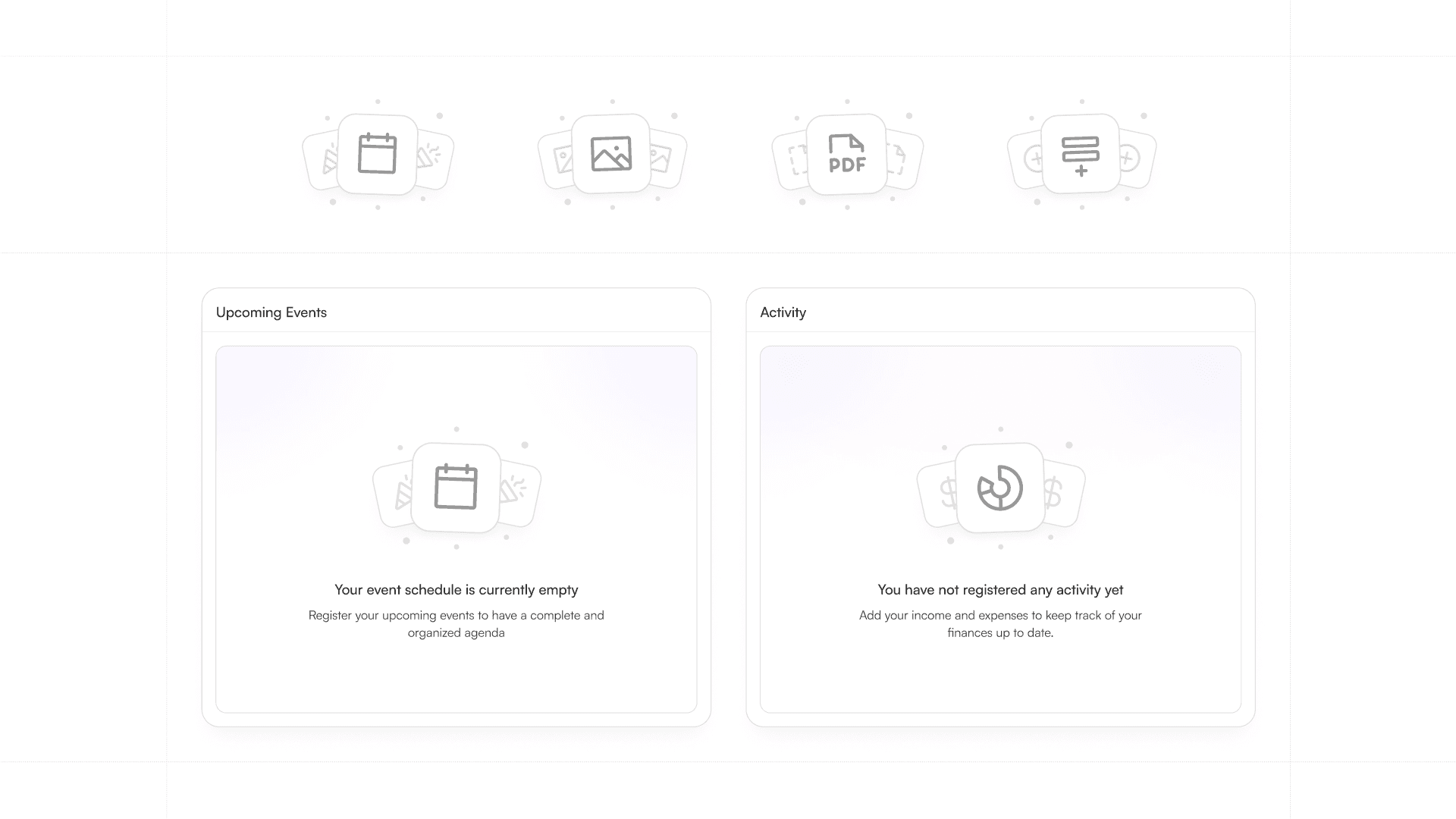
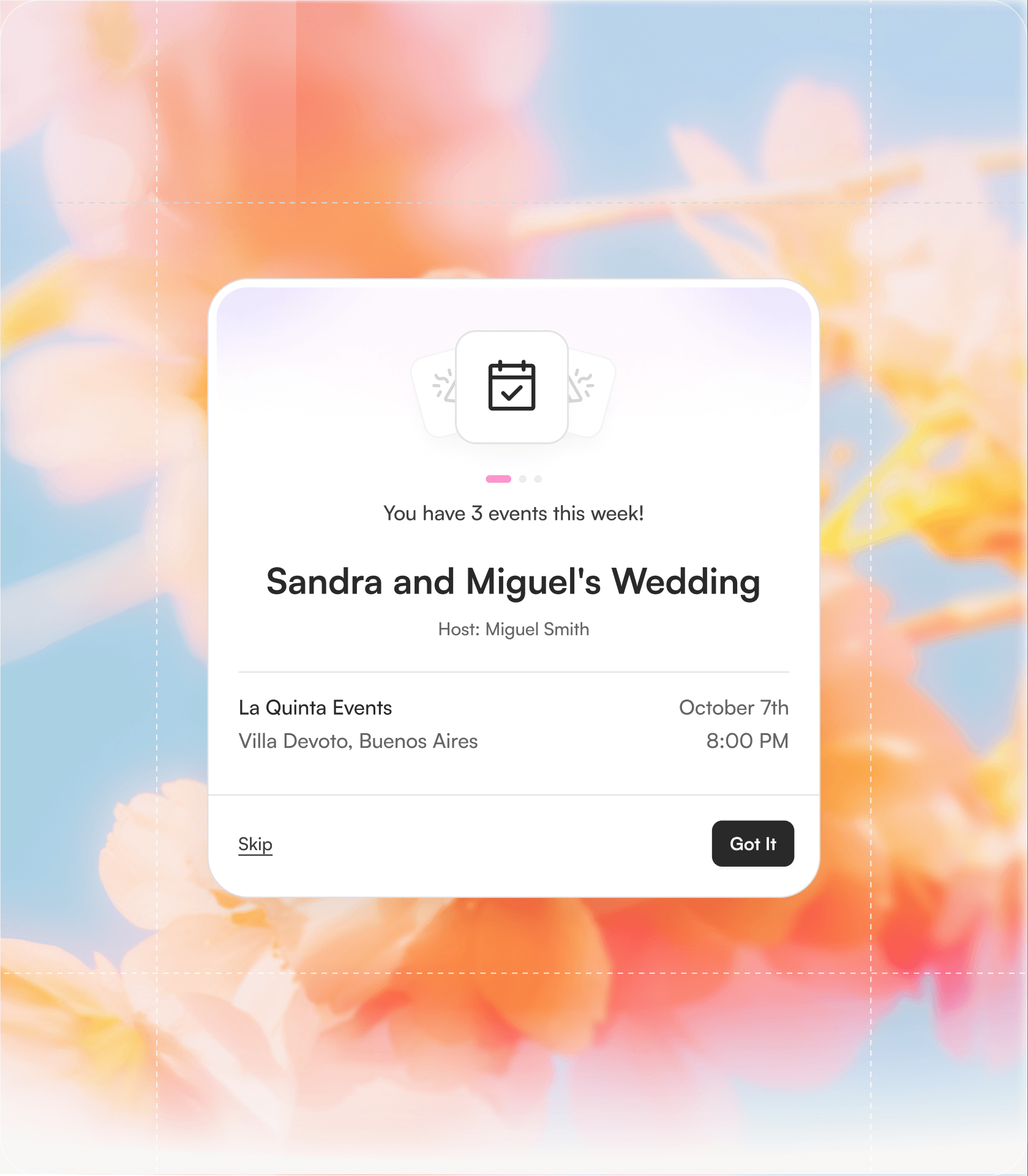
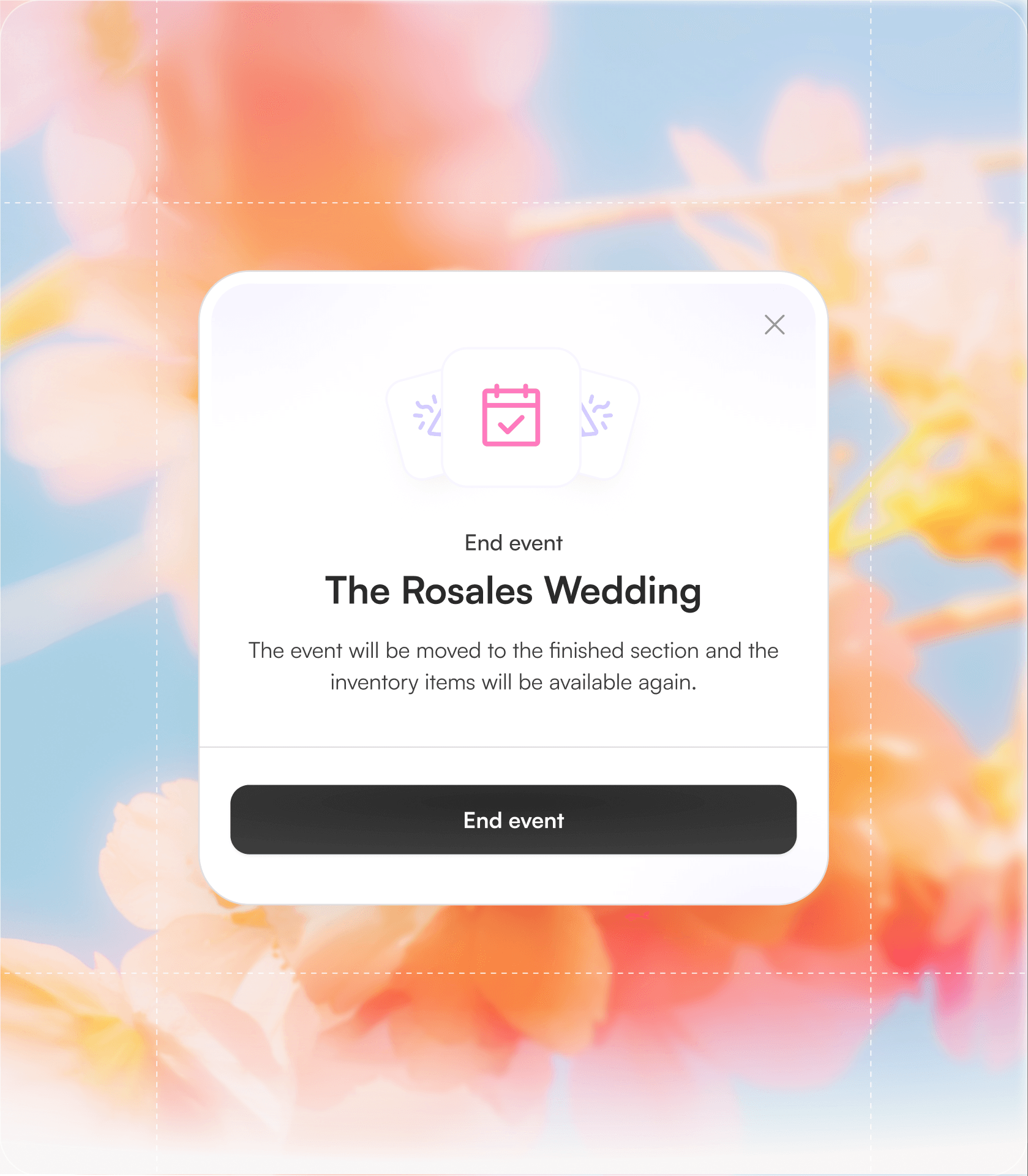
I also designed the dashboard before any data has been added. Illustrations sit beside a short explanation and an action to get started. Notices use the same language, from a weekly reminder to confirmation that an event has ended.
From a date to the event details
The event list is the starting point for each job. A card brings together its name, location and date; the detail view adds what the team needs to prepare.Each event brings together general information, the team, materials and notes.
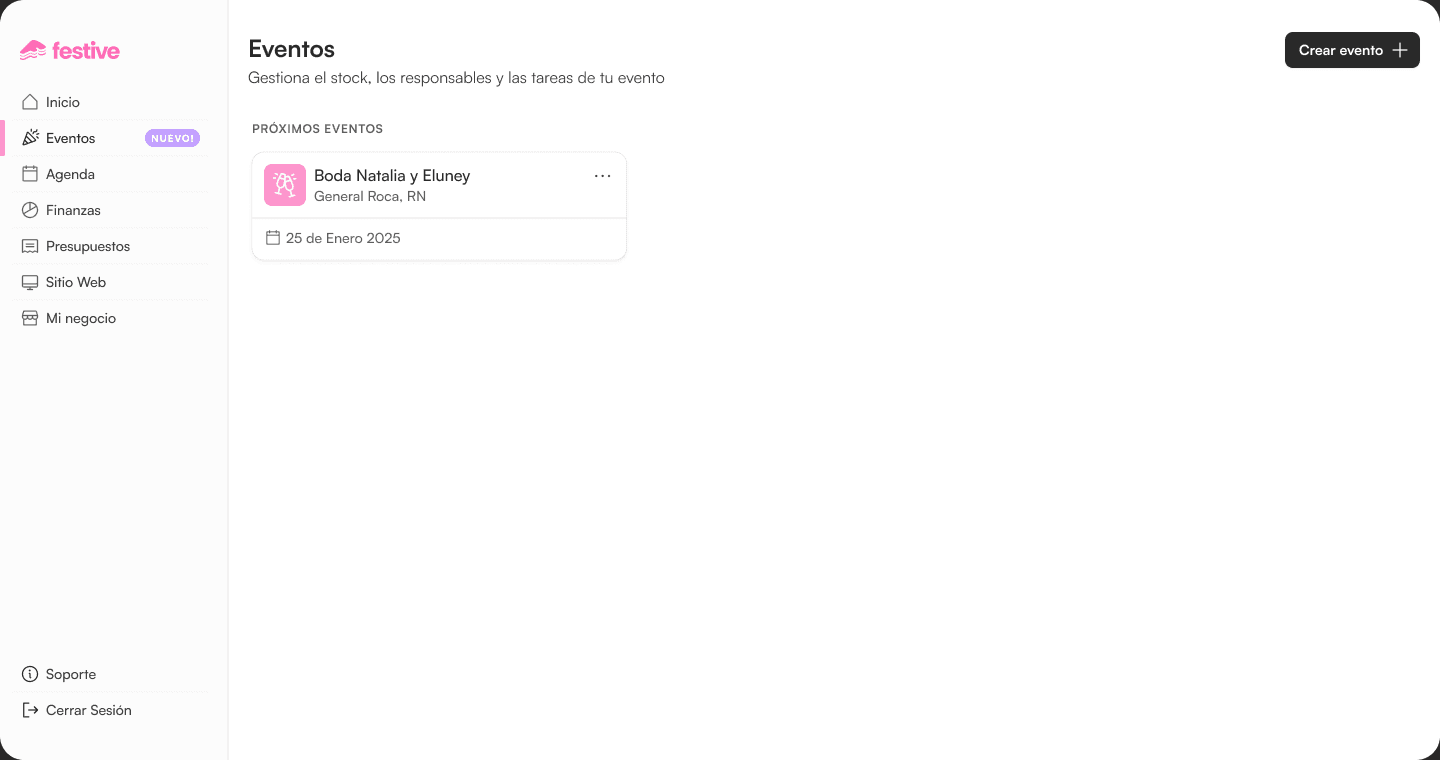
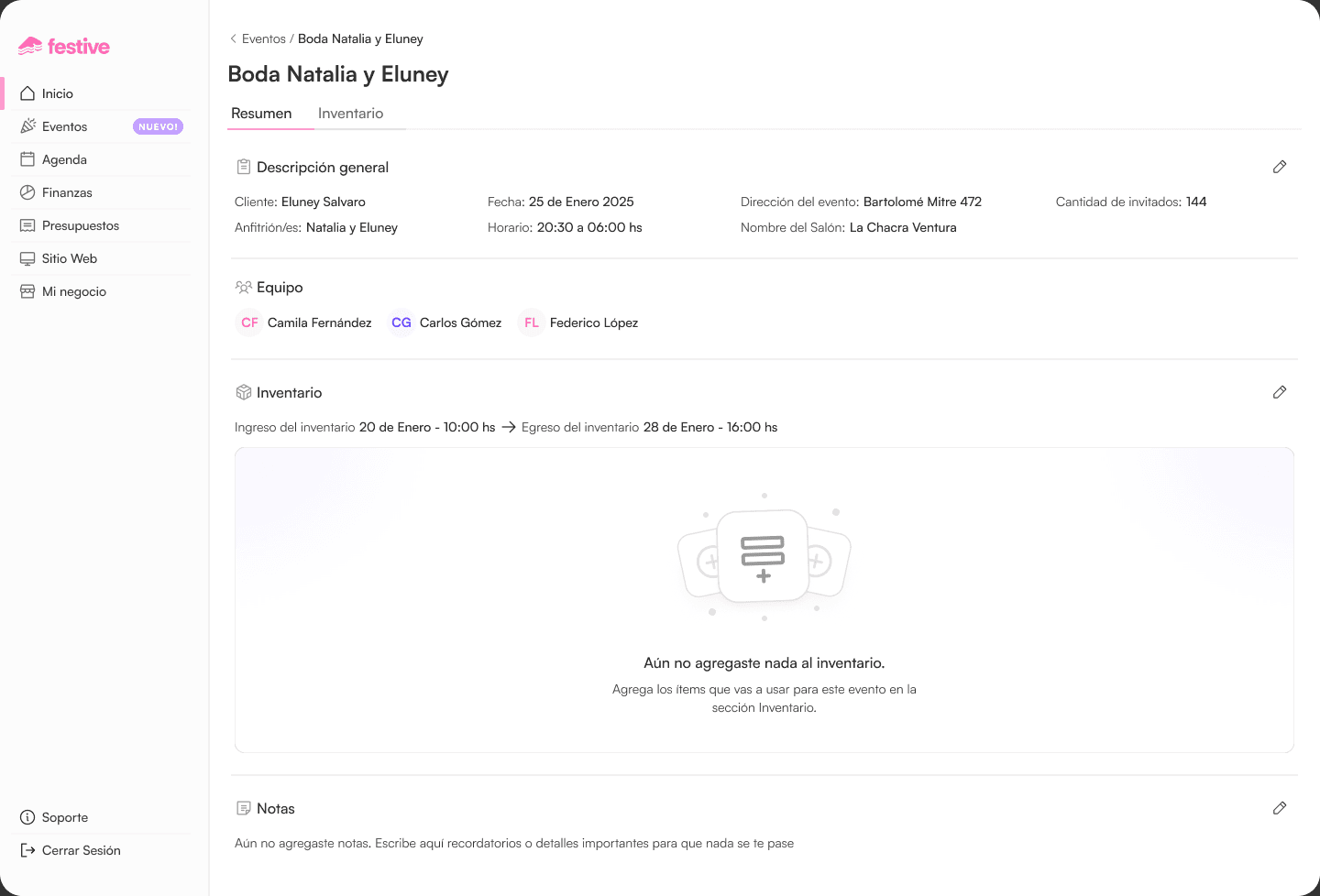
Inside an event, the overview brings together general details, team members and notes. Inventory has its own tab, keeping the materials check separate from the rest of the information.
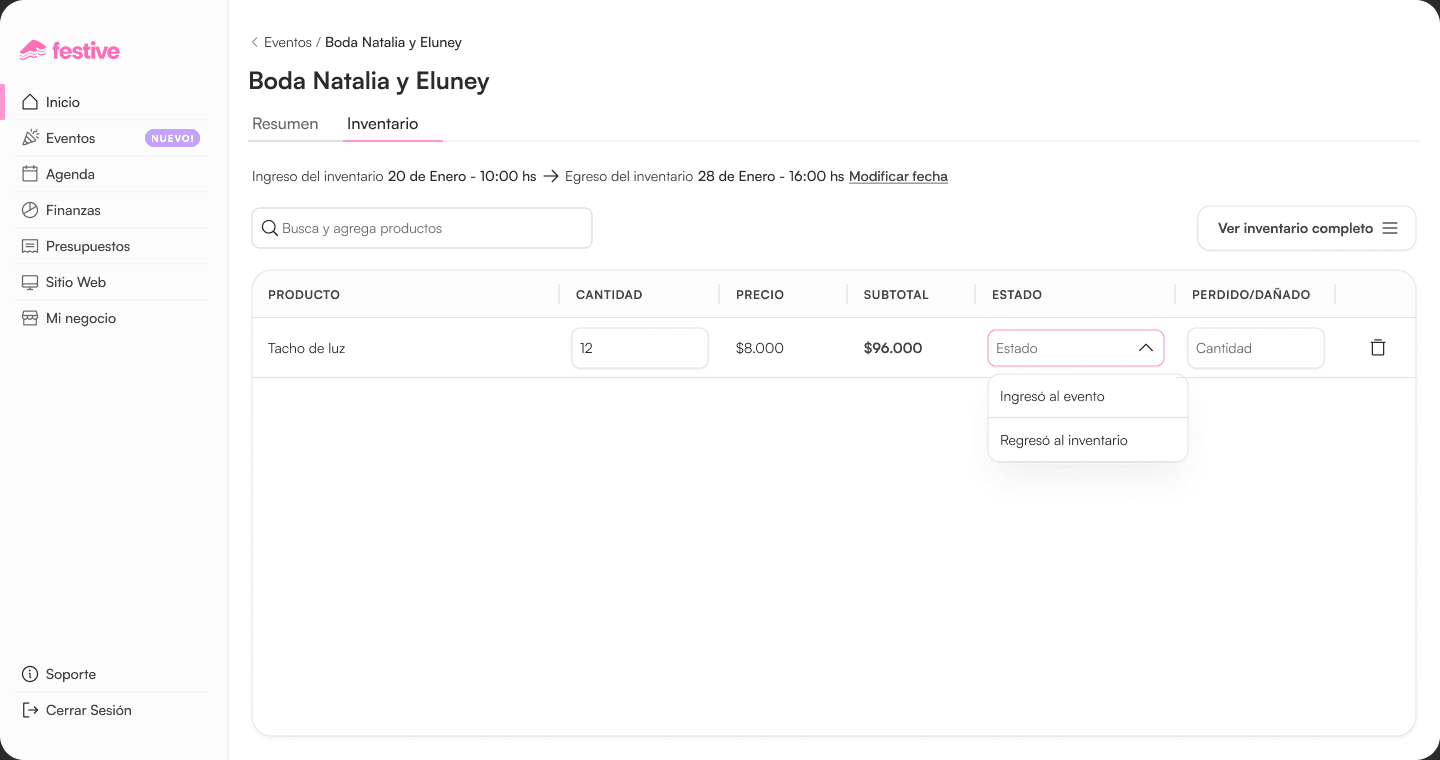
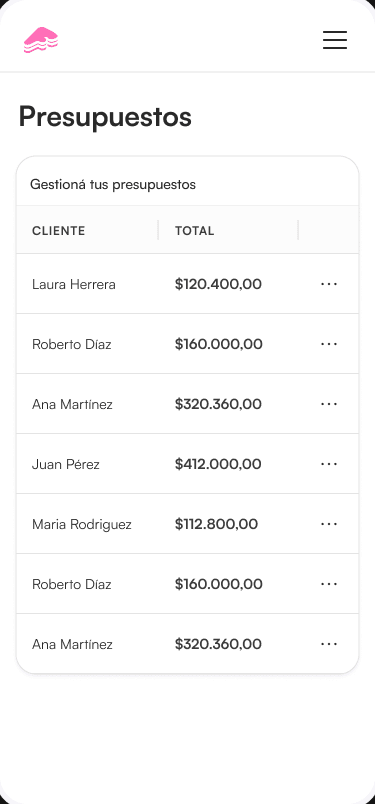
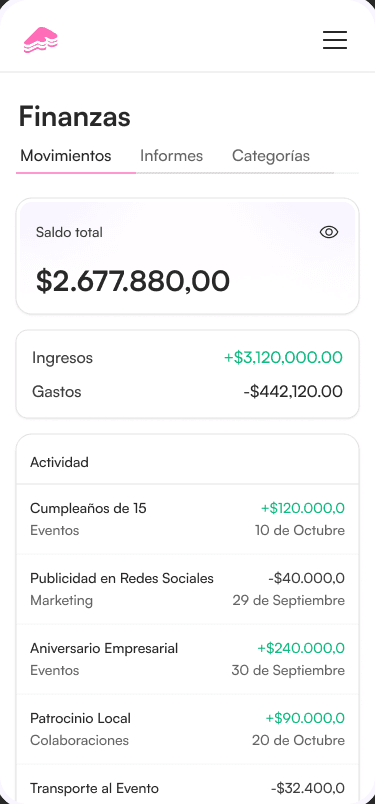
The follow-up includes materials and money. Inventory shows quantities and arrival and return statuses; quotes and finance views make amounts and transactions available on a phone too.
The first contact with the product
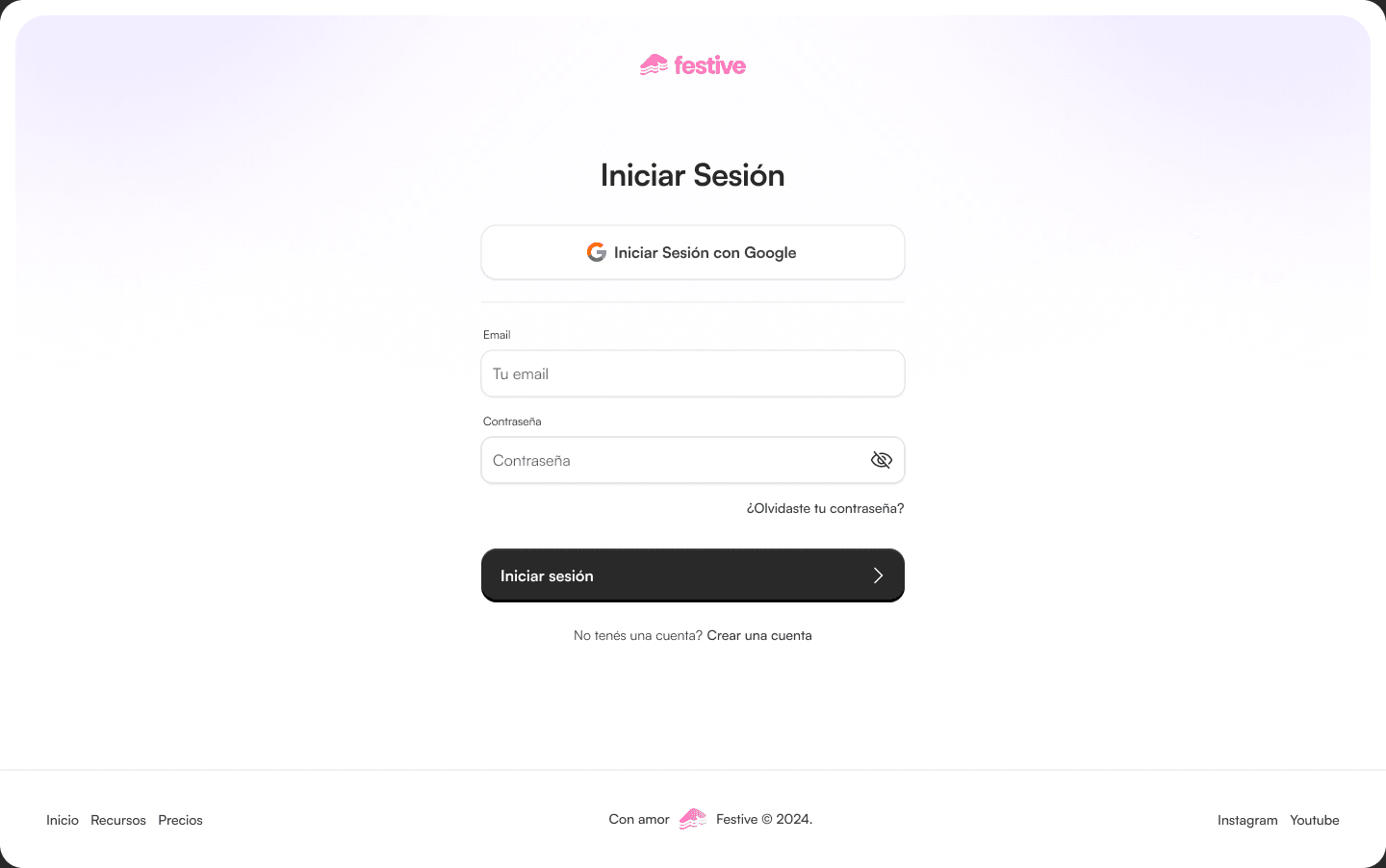
Sign-in keeps the brand’s pink and the soft backgrounds used in the dashboard. The layout focuses on the form: sign in with Google or with email and password.
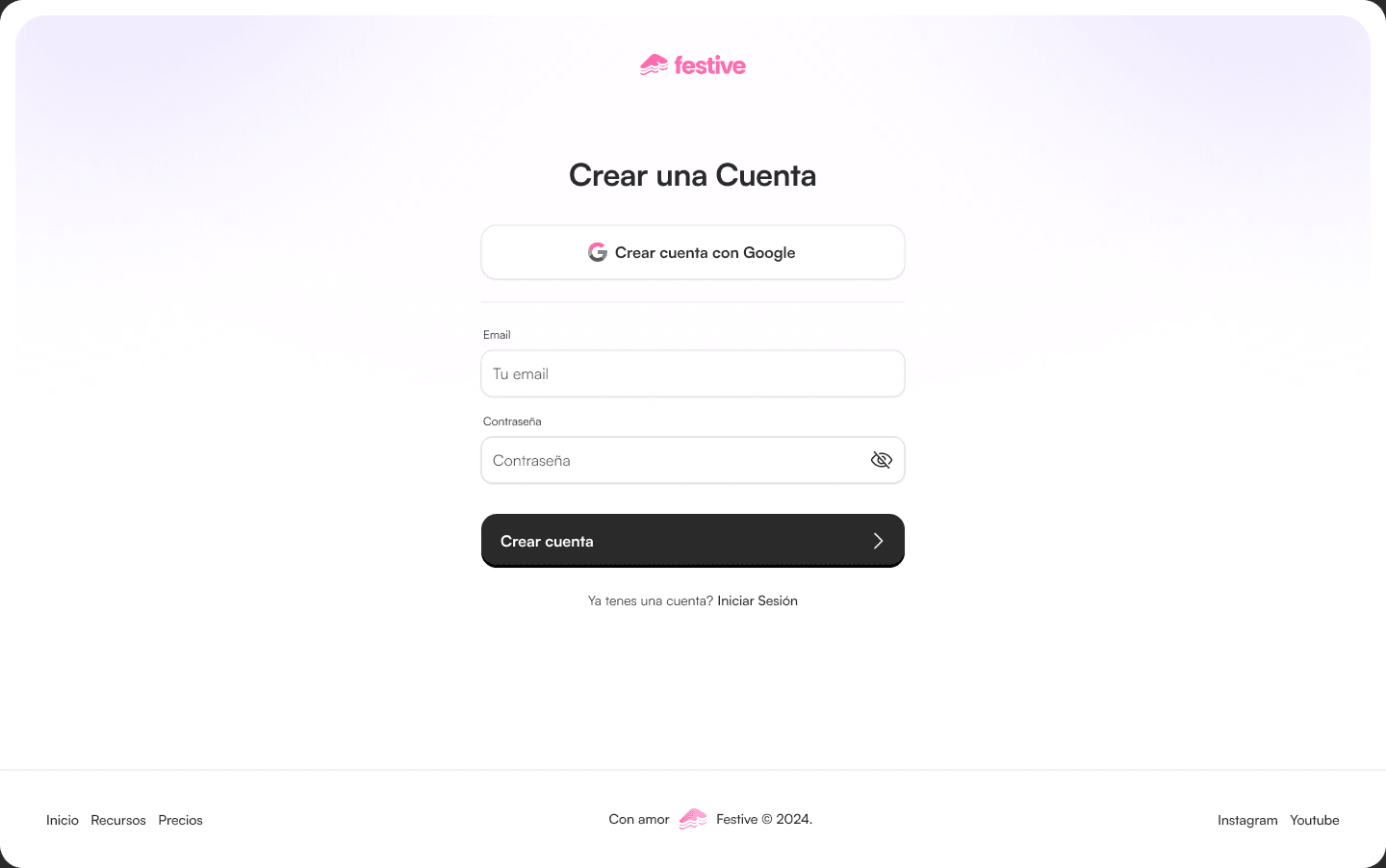
Creating an account follows the same structure. Both screens share fields, buttons and links, with a different message for each step.
Explaining the tool on the website
The website introduces Festive through its modules: dashboard, calendar, quotes, finances and website. The interface sits at the center of the explanation, with screenshots showing what each part does.
The design work connected Festive’s introduction with its everyday tasks. The brand follows that path, from the first page to the details of each event.